Sign Out & Delete Account
To sign out or delete your account, follow the steps below.
- 1
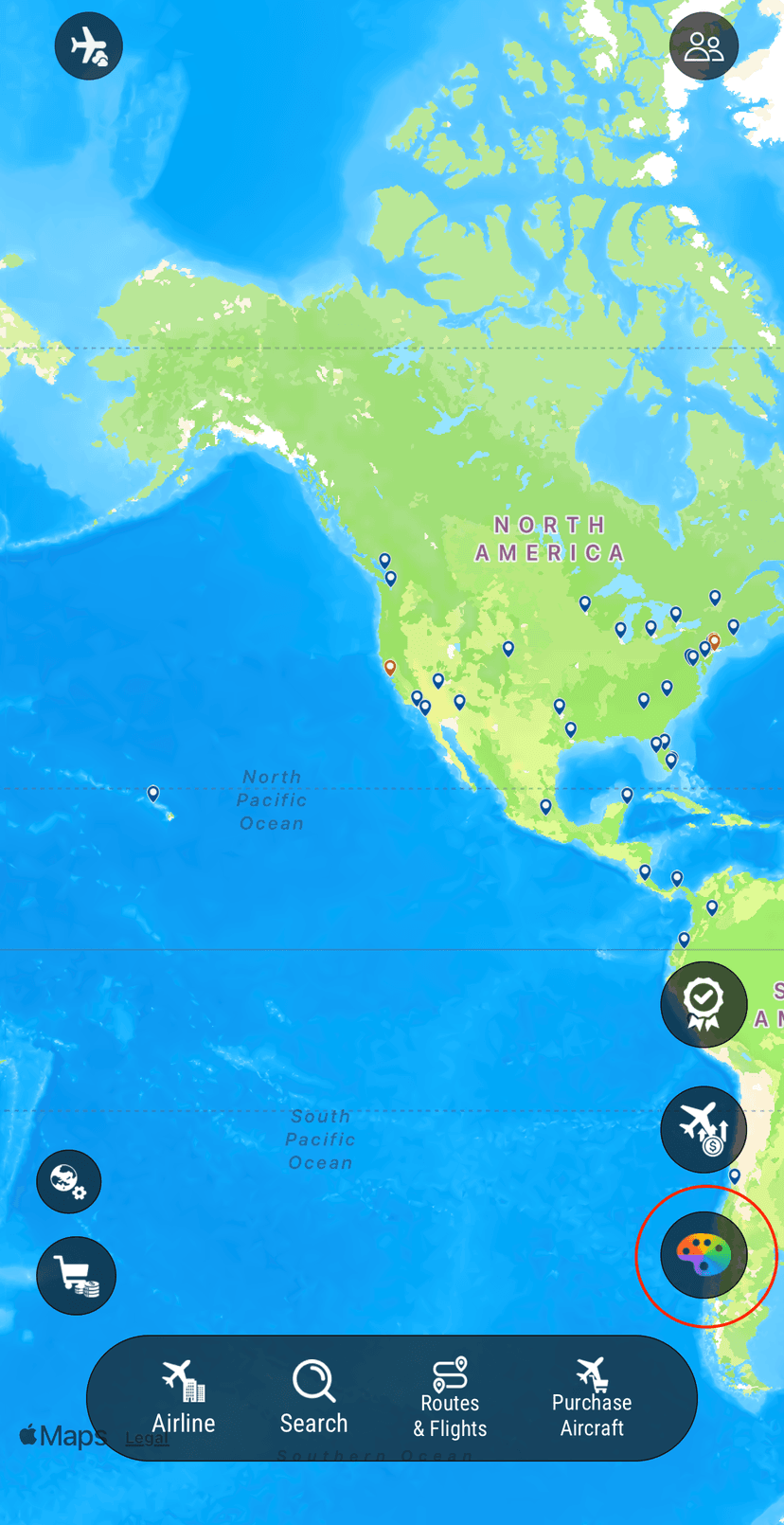
Press the palette button on the right side of the screen on the map view.
- 2
Scroll to the bottom and press the Account section to reveal the "Sign Out" and "Delete Account" buttons.
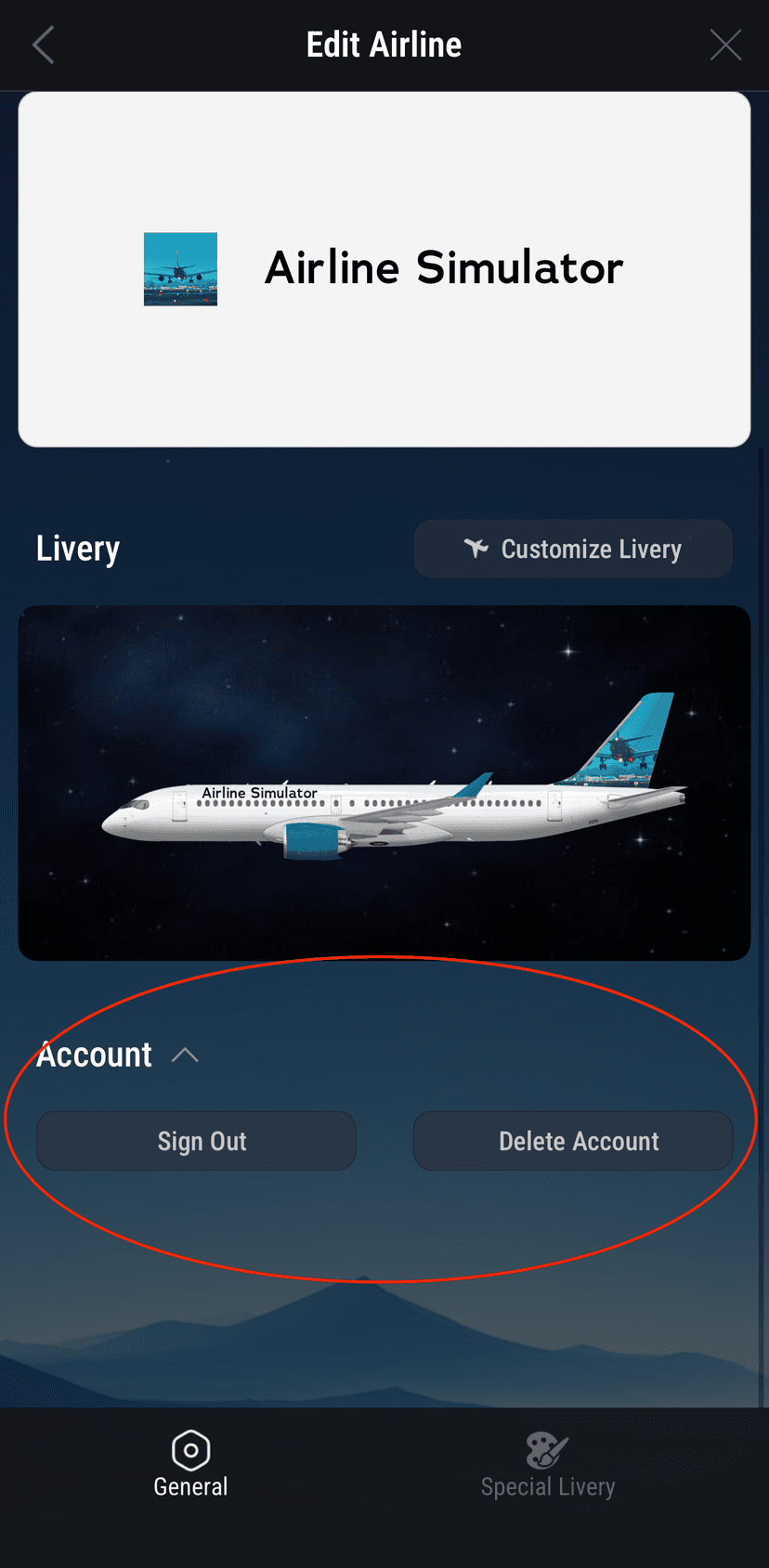
Warning: The "Delete Account" action is irreversible and will permanently remove all of your data from the game.